Daily Production Report Template
Track scenes shot, pages covered, setups, hours, and meal penalties against schedule. The Daily Production Report your line producer hopes is in their inbox by wrap.
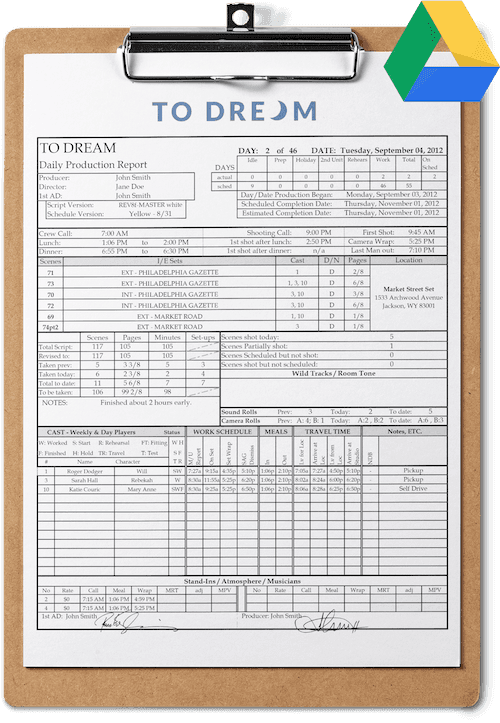
- Format
- Excel + PDF
- Pages
- 2 — front and back
- Best for
- Features, episodic, union shoots
- License
- Free for commercial use
Why this template
The single source of truth for a shooting day.
The Daily Production Report — DPR for short — is the end-of-day record that says, on paper, how the shoot went. Hours worked, scenes shot, pages covered, setups, meal breaks, and any flags the production needs to log for safety, union, or insurance reasons.
On small shoots it is optional. On a feature, episodic show, or any union production, the DPR is mandatory and it is what gets sent up to the studio, network, or insurer. Skipping it is not an option, and improvising it under pressure at 11pm is how mistakes get made.
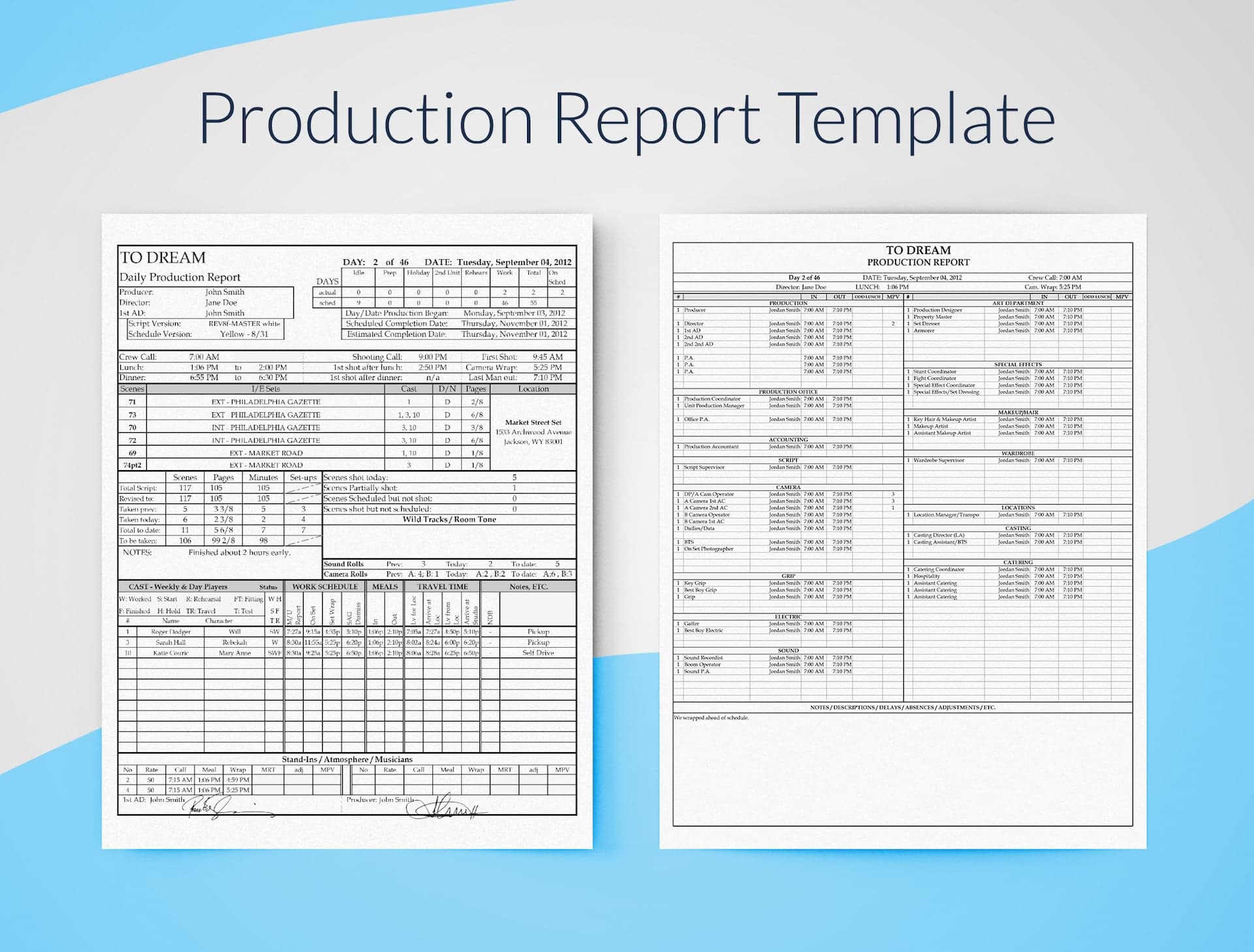
Front of the report
Production header, scenes, and time tracking.
The front captures everything a producer needs to know the morning after — what got shot, what didn't, and how the day stacked up against the schedule.
Production header
Title, company, day number, date, and key personnel.
Schedule timeline
Start, scheduled finish, and estimated finish — the row producers always check first.
Key times
Crew call, breakfast, first shot, lunch, second meal, and wrap.
Scenes shot vs. scheduled
Completed scenes alongside scenes scheduled but not shot, with reasons.
Coverage / rolls
Setups, pages, camera and sound roll counts.
Cast time logs
In, out, meal, and forced-call notations for every cast member working.
Extras and stand-ins
Headcount, descriptions, and arrival/dismissal times.
Signatures
Approval lines that make the document binding on union shows.
Back of the report
Crew times by department, totals, and notes.
The back is where the auditors look. Every crew member, every department, in/out times, and any explanations the day requires.
Crew times by department
Names, positions, in/out times — the spine of any payroll dispute.
Department totals
Hours, OT, meal penalties, and double-time calculated automatically.
Daily averages
Optional row for tracking shoot-wide averages, useful for budget and pacing reviews.
Notes & explanations
Free-text room for any flags, weather, accidents, or schedule-shift reasoning.
- 01
Customizable
Standard spreadsheet formulas — totals, averages, and meal-penalty math all live in cells you can read and edit.
- 02
Professional
The exact fields a UPM, line producer, or union rep expects — with the legally meaningful signature block at the bottom.
- 03
Beautiful
Hand-typeset rows so a busy producer can scan a day's worth of data in fifteen seconds.
- 04
Free
No paywall, no watermark, no email loop. Download it and run your shoot.
Producing more than one show?
Generate production reports automatically from your call sheets.
SetHero pulls your call sheet, crew list, and on-set check-ins into a finished DPR. The math is done, the totals are right, and the report is ready before the AD has finished wrapping the truck.
Pair it with
All templates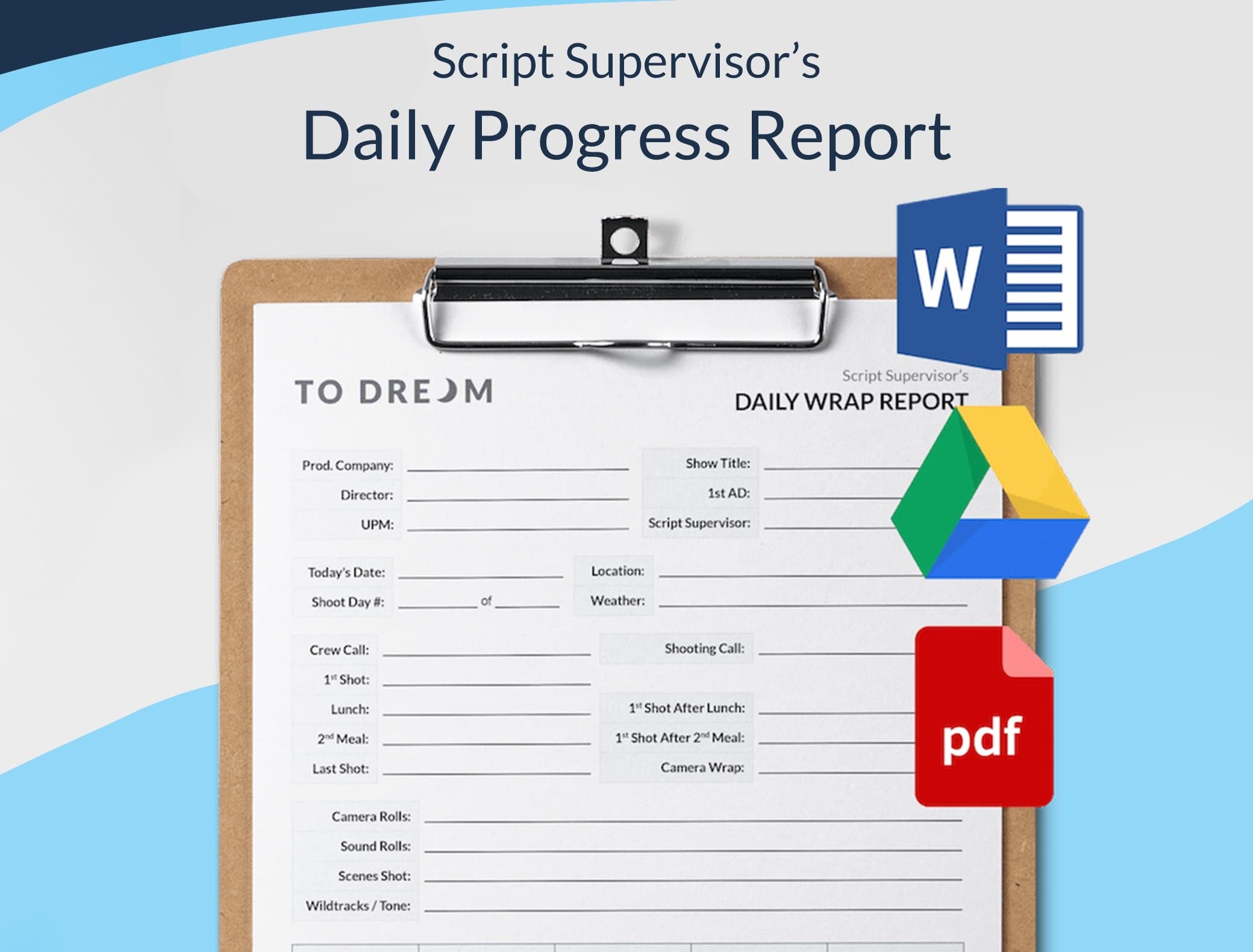
Production
Script Supervisor Daily Progress Report
Continuity, circle takes, and slate notes in the format editorial expects. Designed alongside working script supervisors.
Production
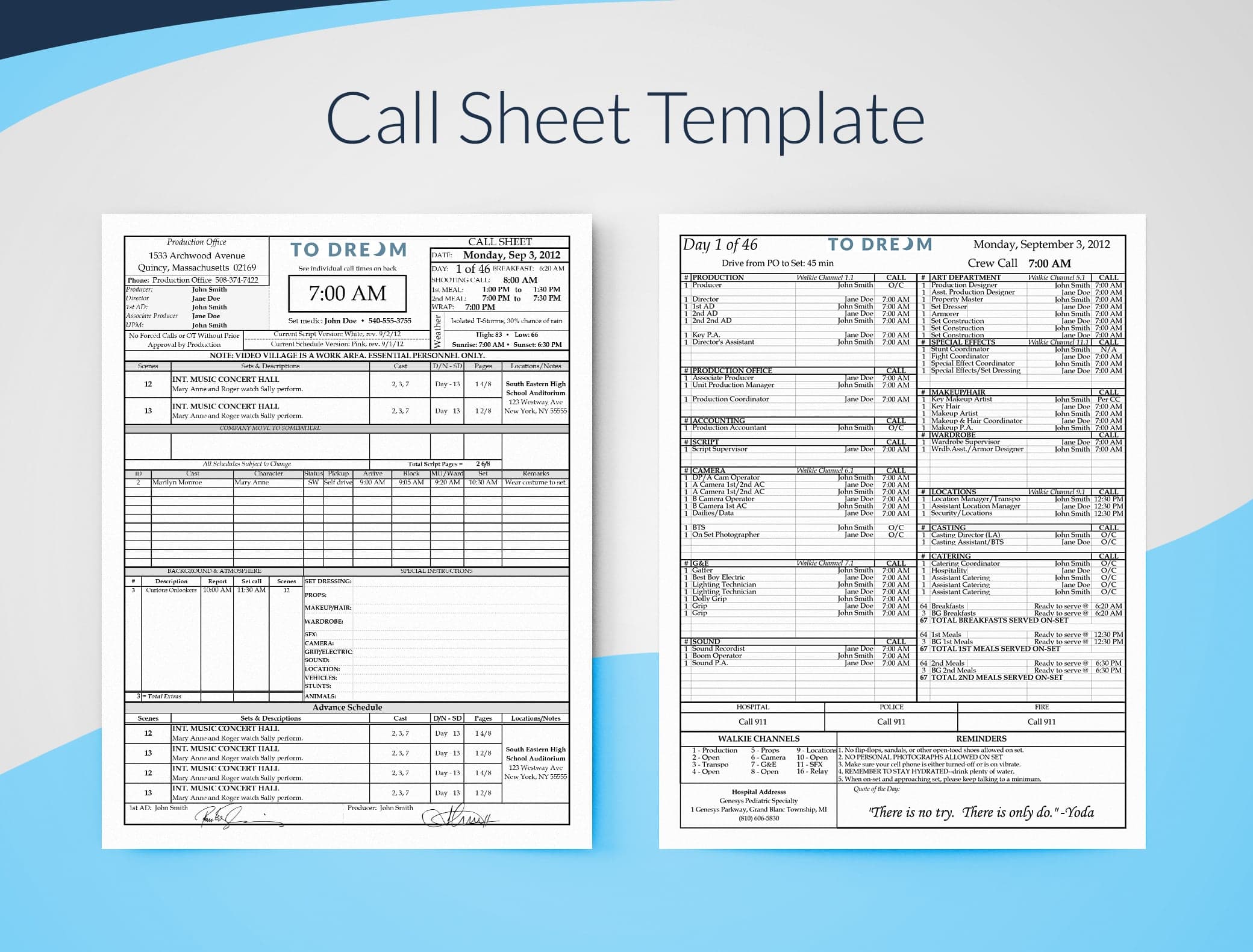
Professional Call Sheet Template for Excel
The full call sheet we ship to crew on every shoot day. Header, schedule, crew list, weather, and parking — all in one editable Excel file.
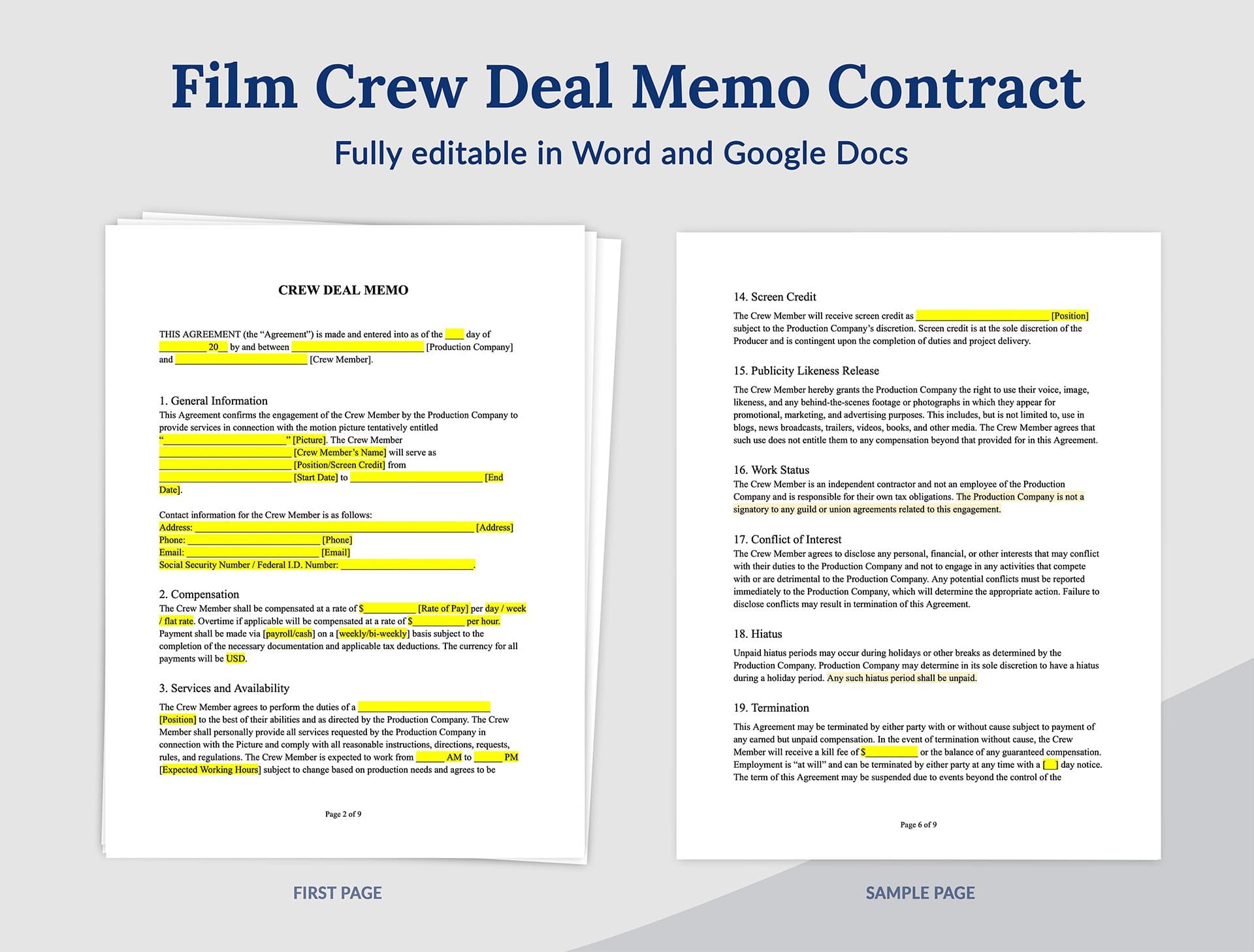
Legal
Crew Deal Memo Template
Day rates, hours, kit fees, and overtime in one signable memo. Use as-is or adapt to your union or local rates.