For TV & episodic production
Call sheets that are truly binge-worthy.
From the first shoot day to the season wrap, keep your crew, talent, and production team on the same page. Build, send, and track personalized call sheets, with easy revisions when plans change.

We’re on set with
crews at
For TV & episodic production
Call sheets that are truly binge-worthy.
From the first shoot day to the season wrap, keep your crew, talent, and production team on the same page. Build, send, and track personalized call sheets, with easy revisions when plans change.
We’re on set with
crews at
Your daily workflow
Tomorrow’s shoot, already coming together.
A familiar routine for the days that never quite go to plan. Less retyping, easier updates, and a clear view of who’s confirmed.
A head start on the next day.
Prepare
Start with a copy of a previous call sheet, then update the scenes, people, locations, and times for tomorrow. The details you’ve already entered come with you.
Learn more about building call sheetsTheir call time. Right on their phone.
Send
Send personalized call sheets by text and email. Crew, talent, and guests see their own call time, with directions and attachments close at hand. No app to download.
Learn more about sending call sheetsKnow who’s seen the change.
Track & revise
See who’s viewed and confirmed, and resend to the people who need a nudge. When plans change, revise and republish the call sheet, with the option to request fresh confirmations.
Learn more about confirmations and revisions





























The day’s paperwork, already started.
Wrap
Create a production report from the call sheet, then fill in the day’s actual times and progress. Log work hours, overtime, and meal penalties, and share the report as a PDF.
Learn more about production reportsMade with SetHero
In good company, episode after episode.
Crews on these series have used SetHero to get their call sheets out. We’d love to add your show.

Blue's Clues & You!Series
Nickelodeon

Everyone Is Doing GreatSeries
Hulu

ChurchySeries
BET+

MAGISeries
Prime Video

I Ship ItSeries
The CW

Eleanor's BenchSeries
Pure Flix

KairākauSeries
Whakaata Māori
The people behind every episode
New episode.
Familiar faces.
Keep your production contacts together, bring familiar crew into the next project, and add new guests or day players as you go. Set up departments and positions to fit your team.
Explore contact management



Different calls. One clear sheet.
Set individual call times and department precalls, so each person knows when they’re needed.
The details that get them there.
Include location map links and attach parking diagrams, sides, and the documents your team needs.
A format that fits your show.
Customize sections, add notes, and arrange the day’s schedule for a scripted series, a docuseries, or a guest interview.

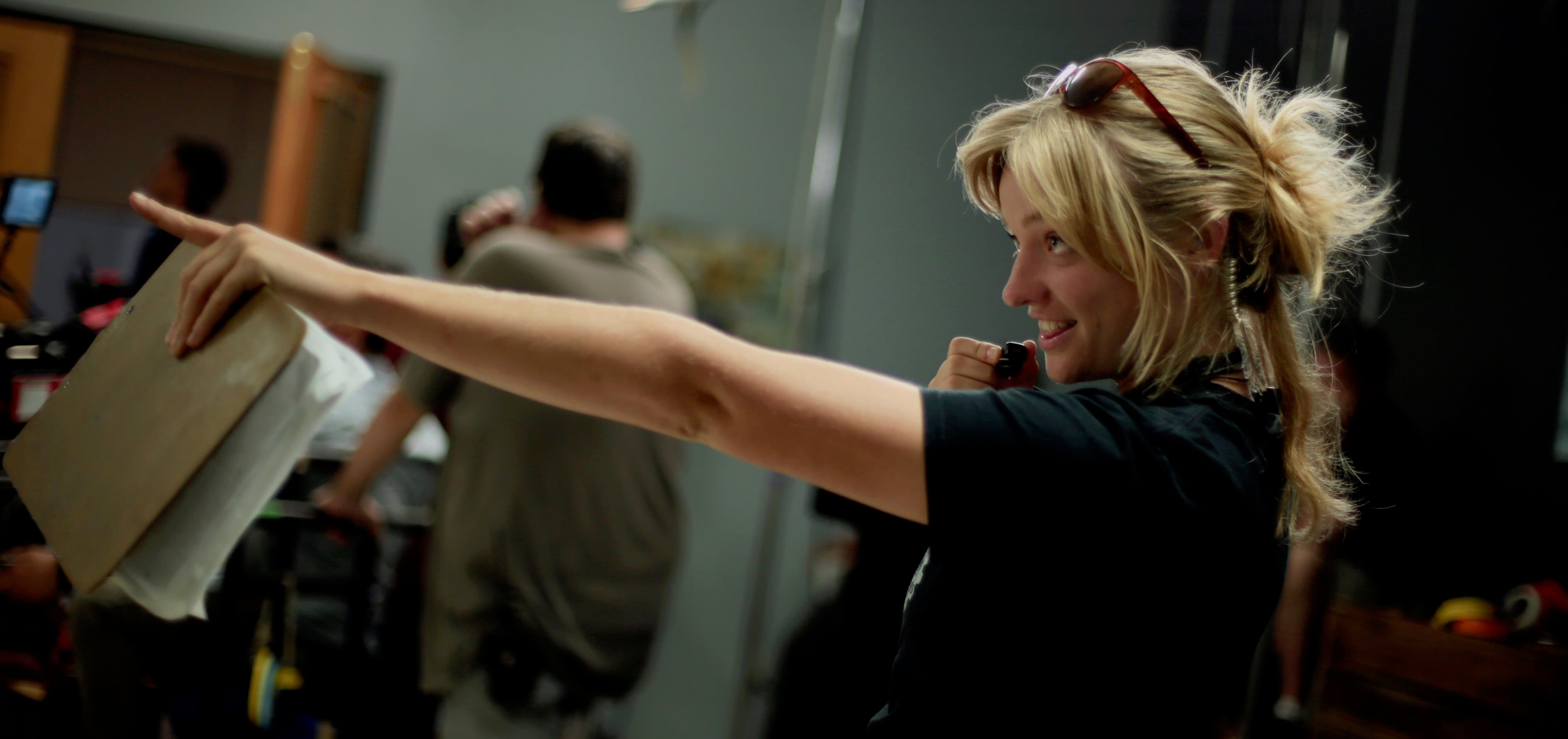
Rebekah HynesSecond Assistant Director
2nd Assistant Director
“I always use SetHero — at this point, it’s not even a decision!
The ability to see who has viewed and confirmed their call times makes it so that I don’t have to contact anyone directly at the end of an already long day of work.”
Behind the scenes:
Before & after
Less busywork. Every shoot day.
Before SetHero
After SetHero
- Retype the same details for another shooting dayCopy a previous call sheet and update what changed
- Text everyone to ask if they got the call sheetCheck views and confirmations, then resend to selected people
- A late change starts another confusing email threadRevise, republish, and request fresh confirmations
- Re-enter the day’s details in a production reportCarry information over from the call sheet, then complete the actuals
Integrates with your existing tools
Skip the re-typing. Bring your data.
Import scenes from the tools you already schedule in.
 Movie Magic Scheduling(opens in a new tab)Import your schedule
 Cinapse(opens in a new tab)Import scenes from your schedule
 Think Crew(opens in a new tab)Import your Think Crew schedule
 Scriptation(opens in a new tab)Import tagged script breakdowns
Customer Support
We’re here to help with whatever you need
Support at every turn
We have tons of support resources, so you’re never left on your own. Plus, our support team is staffed with real filmmakers with on-set experience. Think of us as an extension of your team.
- Guides
- Live Chat
- Help Center
- Tutorial Videos
- Guides
- Live Chat
- Help Center
- Tutorial Videos
Your dedicated production rep
Your production has a dedicated support representative with real on-set experience there to help you every step of the way!
Book a call Your Production TeamBryanProducer
 Your SetHero RepAlyssaFormer 2nd AD (DGA Member)
Questions
Answers for the production office.
Every show works a little differently. Tell us about yours, and we’ll help you get started.
Talk to a dedicated rep